


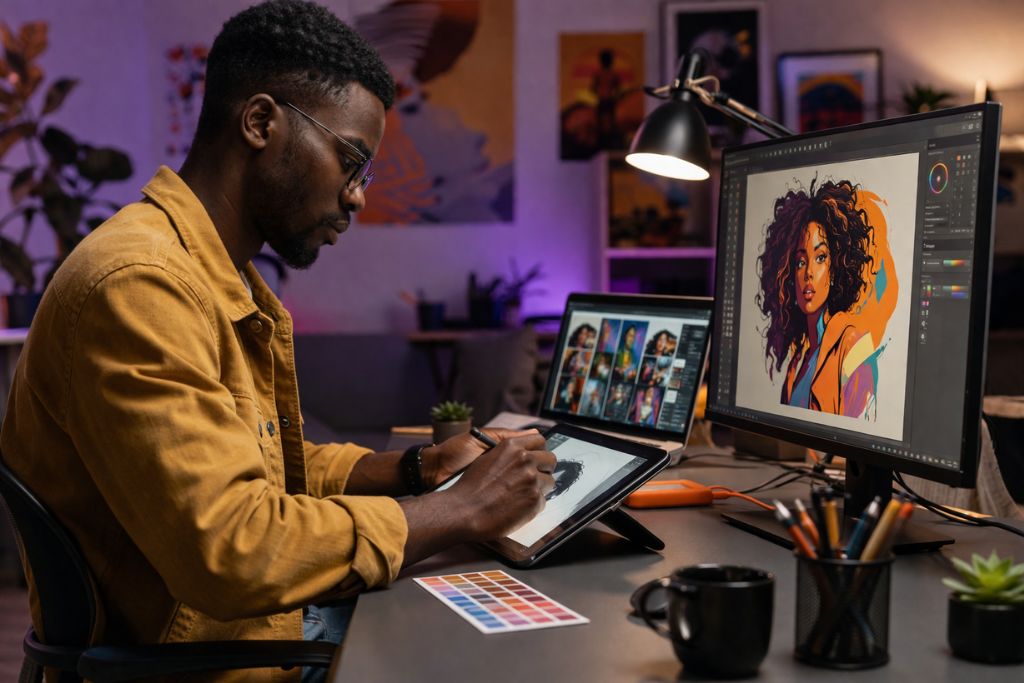
Designing to Prompt Engineering: Master AI Generative Tools in 2026
There’s a quiet identity shift happening among designers. You can almost feel it in conversations.
A few years ago, being a designer meant mastering tools like Photoshop or Illustrator. Now, it’s starting to look more like… directing AI.
Which raises a strange question. If a machine can generate visuals in seconds, where does that leave the designer?
The answer isn’t as bleak as it sounds.
The Designer Isn’t Disappearing, Just Evolving
AI tools can generate images, logos, and even UI layouts. But they don’t understand taste the way humans do. They don’t sit with a brand for months, absorbing its tone, its audience, its quirks.
So instead of replacing designers, AI is changing their workflow.
You’re no longer just creating. You’re guiding.
Prompt Engineering as a Creative Skill
Writing prompts for design tools is… surprisingly similar to giving instructions to a junior designer.
“Create a modern fintech landing page” might give you something usable. Or something completely off.
But if you refine it:
- Define color palette
- Specify typography style
- Describe the target audience
- Mention the layout structure
Now you’re thinking like an art director.
And that’s essentially what prompt engineering becomes in design. Direction, not just execution.
Tools Designers Are Quietly Using
You’ve probably heard of some already. Midjourney for images. DALL·E for concepts. Canva AI for quick layouts.
What’s interesting is how designers combine them.
A rough concept from Midjourney. Tweaked in Photoshop. Final touches in Figma. It’s not a linear process anymore. It’s more… layered.
And honestly, a bit messy. But it works.
Check out: 2026 Tech Career Blueprint: Win the School Apps February Scholarship.
The Risk No One Talks About Enough
There’s a temptation to rely too heavily on AI outputs.
Everything starts to look the same. Similar color gradients. Similar compositions. You scroll through social media and think, “I’ve seen this before.”
That’s where real designers stand out. They break patterns. They inject personality.
AI can assist, but it doesn’t replace originality. At least not yet.
From Tool User to Creative Strategist
The biggest shift isn’t technical. It’s mental.
Designers who thrive in this space aren’t just asking “How do I make this?” They’re asking, “Why does this work?”
They think about user behaviour, brand perception, and emotional response.
And then they use AI to execute faster.
So, where does that leave someone trying to transition into this space?
It’s not about abandoning your current skills. It’s about layering AI on top of them. Gradually. Experimentally.
You’ll write bad prompts at first. Everyone does. You’ll get outputs that make no sense. That’s part of the process.
But over time, you start to see patterns. What works. What doesn’t.
And then, something clicks.
Final Thoughts (and a Small Nudge)
If you’ve read this far, you’re probably already thinking about how AI fits into your own work. Maybe you’re curious. Maybe a bit skeptical.
That’s fair.
Still, the gap between those experimenting with AI and those ignoring it is growing. Not dramatically overnight, but steadily.
At GreenWare Tech Academy, we’ve been watching this shift closely. And more importantly, we help people step into it without feeling overwhelmed or out of place.
Whether you’re a designer trying to understand generative tools, or someone with zero coding background looking to build high-income AI skills, there’s a path. It might not be perfectly clear at first. That’s okay.
What matters is starting.
And if you’re going to start somewhere, it might as well be with people who take both the technology and your growth seriously. Prompt engineering is becoming a thing in the world today, don’t ignore it.

Author