



Cost-Effective Cloud Backup Alternatives for SMBs
Cheap storage is appealing until you need your files back by lunchtime.
For a small or medium-sized business, the value of a backup system depends on more than its monthly bill. You need to know what it protects, how quickly you can recover, and who will notice if it stops working.
Cost-effective cloud backup options include object storage paired with backup software, open-source tools, archive storage for rarely accessed data, and hybrid systems with local and off-site copies.
The best fit depends on how your business operates. A photography studio storing completed projects has different recovery needs from an online shop processing orders throughout the day.
Object storage with backup software
Services rendered by GreenWare Tech can provide storage destinations for compatible backup applications.
However, storage is only one part of the arrangement. You still need software or processes that schedule backups, retain older versions, report failures, and restore data. Before choosing it, estimate what a substantial recovery would involve.
Apply the same scrutiny to other providers. Check minimum billing, deletion policies, available regions, and compatibility with your backup software.
A low advertised storage rate does not tell you the complete cost.
Open-source backup tools
Open-source tools can reduce software licensing expenses, particularly when your business already has technical support.
The trade-off is administration. Someone must configure schedules, protect credentials, monitor results, and test recovery.
That may be perfectly reasonable for a business with an experienced IT provider. It is less comfortable when the entire system depends on one employee remembering how they configured it two years ago.
Document the recovery process and ensure authorised staff can access the required credentials.
Archive storage for older data
Archive tiers can suit completed projects and records that are rarely needed.
They are less suitable for the only backup of an application that must return quickly. AWS states that S3 Glacier Deep Archive standard retrieval typically completes within 12 hours, while bulk retrieval can take up to 48 hours. Downloading the recovered data and rebuilding systems takes additional time.
A wedding videographer might accept that delay for footage from an old project. A business trying to restore its current order system probably would not.
Local and cloud backups together
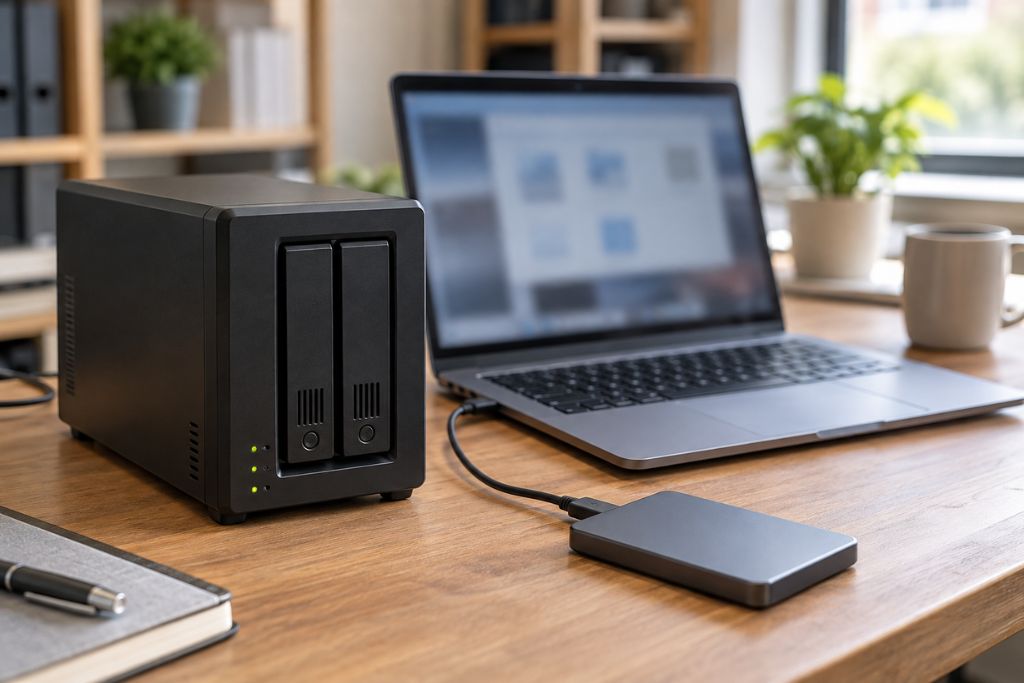
A hybrid arrangement keeps a local copy for convenient recovery and an off-site copy for incidents affecting the office.
For a Lagos design studio handling large files over an unreliable internet connection, that can be practical. Local recovery may be faster, while the off-site copy provides protection if equipment is stolen or damaged.
Still, local storage alone is not enough. An always-connected backup may also be exposed to ransomware, so consider appropriately configured immutable or offline copies.
Work out the real cost of recovery
Start with storage growth. Older versions and retained backups can occupy considerably more space than the current working files.
Next, check recovery charges and delays. Include download fees, retrieval costs, and any minimum storage periods.
Software licences may be priced per device, user, or workload. Administration adds another expense through monitoring, updates, troubleshooting, and support.
For Nigerian businesses, exchange-rate changes, power, and internet costs also belong in the calculation.
Finally, test a restore. File synchronisation can copy accidental deletions, and a backup job can quietly miss an essential folder. Recovering a usable file or system gives you stronger evidence than a dashboard that simply says “successful.”
